Human Security Vulnerability - The Dangers of Social Engineering
In many cases, such mails are already recognised by the spam filter and are sent to the spam folder. However, the tactics of cyber criminals are becoming more and more complex and it is becoming more and more difficult to recognise the latest methods.
With social engineering, hackers try to manipulate people into revealing confidential information. The criminals usually try to get you to give them your passwords or gain access to your computer, secretly install malicious software to get your passwords and control of your computer.
Of course, it’s a lot easier for cyber criminals to use social engineering tactics to get your password than it is to hack your software. Ask any security expert and they will tell you that the weakest link in the security chain is the human. It doesn’t matter how many locks and deadbolts are on your doors and windows, or whether you have guard dogs, alarms, floodlights, fences with barbed wire and armed security personnel; if you trust the person at the gate who claims to be the pizza delivery guy and you let them in without first checking to see if they are trustworthy, you are completely exposed to risk.
What does a social engineering attack look like?
If a cybercriminal manages to hack or manipulate someone’s email password, they will then have access to the hacked person’s entire contact list – and since most people use the same password everywhere, almost certainly the password for many other areas. Once this is the case, the criminal sends emails to all the person’s contacts or leaves messages on the social media pages of the person’s friends.
The following emails take advantage of your trust and curiosity:
With a link
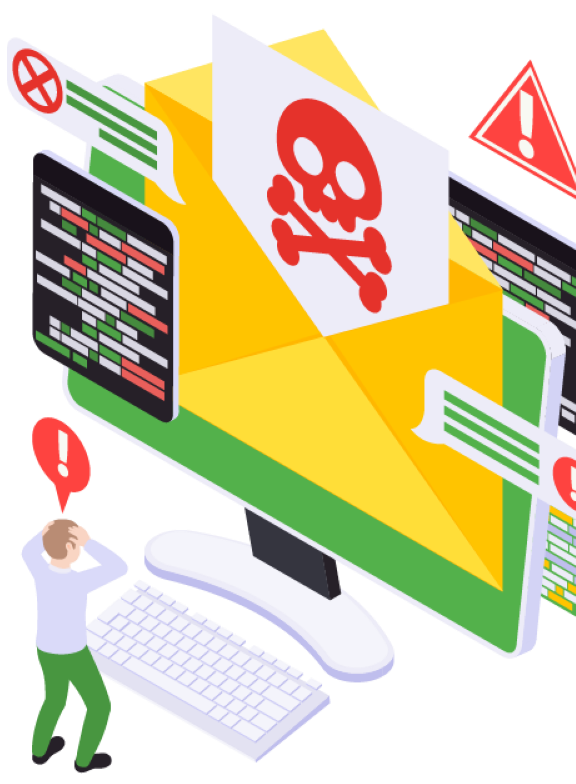
They contain a link that you simply have to click on – and because the link comes from a friend and your curiosity gets the better of you, you trust the link. As soon as you click on the link, your computer is infected with malware and the hacker can take over your computer and get hold of all your important data.
With a download
They contain a download of pictures, films, documents, etc. in which malware is embedded. As soon as you download the software – after all, it comes from a trusted friend – you become infected and the hacker gets hold of your data. The attack is then spread to all your contacts by sending them a message with the malware from your account.
Email from another trusted source
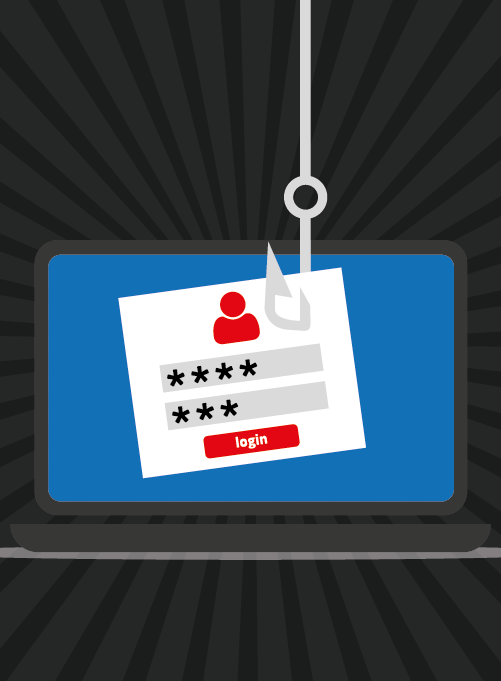
Phishing attacks are also part of the social engineering strategy. This involves imitating a trusted source in order to obtain sensitive data.
Such messages can be made under a captivating pretext or story:
Help is urgently requested.
Your “friend” is stuck in country X, has been robbed, beaten up and is in hospital. They need money so they can come home and they tell you how to send the money.
They use phishing attempts with a legitimate appearing background.
Usually sends an email, DM or comment on social media, or text message that appears to be from a well-known and reputable company, bank, school or institution.
You are asked to donate to a charity or other cause.
The message usually contains instructions on where to send the money. Phishers take advantage of kindness and generosity by asking for help or support for current crises, political campaigns or well-known charities.
You need to verify something.
You are told about a problem that asks you to “verify” your information by clicking on the link displayed. The message can look very legitimate, with all the right logos and content. This type of phishing scam often includes a warning about what will happen if you don’t act soon, because the criminals know that you are more likely to fall for their phishing attempt if they can get you to act before you think.
Congratulate you on your "win".
You receive an email claiming to be from a lottery, a deceased relative, or the millionth person who clicked on the given web page, etc. In order to give you your “prize”, you have to provide details of your bank account or give your address and telephone number so that the prize can be sent to you. This is called “greed phishing”. Result: Your bank account is emptied and your identity stolen.
Hacker poses as boss or colleague.
In these messages, the hacker poses as a boss or colleague and could ask you for sensitive information such as the latest status of an important, sensitive project your company is working on or payment information for a company credit card.
Do not become a victim
Phishing attacks are widespread, short-lived and it only takes a few users to take the bait for a successful campaign – Still, there is a good way to protect yourself from them. Consider the following points to recognise a phishing attack:
Tips to remember:
Take your time.
Hackers want you to act first and think later. If the message conveys a sense of urgency or uses high-pressure sales tactics, you should be sceptical and not be swayed by the urgency.
Research the facts.
Be suspicious of unsolicited messages. If the email looks like it is from a company you use, do your own research. Use a search engine to go to the real company’s website or a phone directory to find the phone number.
Analyse the link before you click on it.
Keep control by finding the website of the message itself with a search engine to make sure you end up where you want to end up. Hovering over the link in the email will show the actual URL – a good fake can still mislead you.
Email hijacking is widespread.
Hackers are increasingly taking control of email accounts and other communication accounts. Once they have gained control of an email account, they exploit the trust of the person’s contacts. Therefore, you should also be cautious when receiving messages from people you know. Especially if you are asked to open links or download something.
Be careful every time you download a message.
If you do not know the sender personally AND expect a file from them, it is a mistake to download anything.
Foreign offers are mostly fake.
If you receive an email from a foreign lottery or sweepstake, money from an unknown relative or a request to transfer money from abroad in order to receive some of the money, it is guaranteed to be a scam.
How to protect yourself and your employer/company:
Delete all requests for financial information or passwords.
If you are asked to respond to a message with personal information, it is a scam.
Do not respond to requests for help or offers of help.
Reputable companies and organisations do not contact you to offer help. If you have not specifically asked the sender for help, consider any offer as a scam and delete the message. If you receive a request for help from a charity with which you have no relationship, you should also delete the message.
Set your spam filters to high.
Every e-mail programme has a spam filter. In the settings, set the filter to high. Remember to check your spam folder regularly to see if any legitimate e-mails have landed there by mistake.
Secure your computing devices.
Install anti-virus software, firewalls and email filters and keep them up to date. Set your operating system to update automatically and if your smartphone does not update automatically, update it manually as soon as you receive a notice to do so. Use an anti-phishing tool to warn you of risks.
Use a separate password for each service.
Use a different password for each login. If you are hacked, this tactic will minimise the damage. You can find out more about passwords here: https://bit.ly/3C1Rh8N
Ultimately, you will never have absolute security against a hacker attack – but you can back up your data so that when the worst comes to the worst, you have it back in a matter of minutes. We are happy to advise you on the subject of backup & data security – our core business for over 20 years.

 How may we help you?
 Get in touch by e-mail
 Convenient and simple